工具
Web Search
Web Search tool 使 Grok 能够实时搜索 Web 并浏览网页以查找信息。该 tool 允许 model 搜索互联网、访问网页并提取相关信息,以最新内容回答 query。
SDK 支持
| SDK/API | Tool 名称 |
|---|---|
| xAI SDK | web_search |
| OpenAI Responses API | web_search |
| Vercel AI SDK | xai.tools.webSearch() |
所有与 Responses API 兼容的 SDK 也支持该 tool。
基础用法
import os

from xai_sdk import Client
from xai_sdk.chat import user
from xai_sdk.tools import web_search

client = Client(api_key=os.getenv("XAI_API_KEY"))
chat = client.chat.create(
    model="grok-4.5",  # reasoning model
    tools=[web_search()],
    include=["verbose_streaming"],
)

chat.append(user("What is xAI?"))

is_thinking = True
for response, chunk in chat.stream():
    for tool_call in chunk.tool_calls:
        print(f"\\nCalling tool: {tool_call.function.name} with arguments: {tool_call.function.arguments}")
    if response.usage.reasoning_tokens and is_thinking:
        print(f"\\rThinking... ({response.usage.reasoning_tokens} tokens)", end="", flush=True)
    if chunk.content and is_thinking:
        print("\\n\\nFinal Response:")
        is_thinking = False
    if chunk.content and not is_thinking:
        print(chunk.content, end="", flush=True)

print("\\n\\nCitations:")
print(response.citations)Web Search 参数
| 参数 | 说明 |
|---|---|
allowed_domains | 仅在指定 domain 内搜索(最多 5 个) |
excluded_domains | 从搜索中排除指定 domain(最多 5 个) |
enable_image_understanding | 启用对浏览过程中发现图像的分析 |
enable_image_search | 启用可嵌入 response 的图像搜索结果 |
仅在指定 Domain 中搜索
使用 allowed_domains,使 web search 仅在指定 domain 范围内的网页上执行搜索和浏览。
import os

from xai_sdk import Client
from xai_sdk.chat import user
from xai_sdk.tools import web_search

client = Client(api_key=os.getenv("XAI_API_KEY"))
chat = client.chat.create(
    model="grok-4.5",
    tools=[
        web_search(allowed_domains=["grokipedia.com"]),
    ],
)

chat.append(user("What is xAI?"))
# stream or sample the response...排除指定 Domain
使用 excluded_domains,防止 model 在任何 web search tool invocation 中包含指定 domain。
chat = client.chat.create(
    model="grok-4.5",
    tools=[
        web_search(excluded_domains=["grokipedia.com"]),
    ],
)启用 Image Understanding
将 enable_image_understanding 设置为 true,会让 Agent 能够访问 view_image tool,从而分析搜索过程中遇到的图像。
启用后,会在 SERVER_SIDE_TOOL_VIEW_IMAGE 中看到 response.server_side_tool_usage,以及其调用次数。
import os

from xai_sdk import Client
from xai_sdk.chat import user
from xai_sdk.tools import web_search

client = Client(api_key=os.getenv("XAI_API_KEY"))
chat = client.chat.create(
    model="grok-4.5",
    tools=[
        web_search(enable_image_understanding=True),
    ],
)

chat.append(user("What is included in the image in xAI's official website?"))
# stream or sample the response...启用 Image Search
将 enable_image_search 设置为 true,可让 Grok 搜索相关图像,并以 Markdown image embed 的形式将其包含在 response 中,例如 。
Vercel AI SDK 尚未公开 enableImageSearch;以下示例使用 Responses API 和 xAI Python SDK。
curl https://api.x.ai/v1/responses \
  -H "Content-Type: application/json" \
  -H "Authorization: Bearer $XAI_API_KEY" \
  -d '{
  "model": "grok-4.5",
  "input": [
    {
      "role": "user",
      "content": "Show me images of Starship on the launch pad."
    }
  ],
  "tools": [
    {
      "type": "web_search",
      "enable_image_search": true
    }
  ]
}'Response 可以直接在输出文本中包含 Markdown image embed:
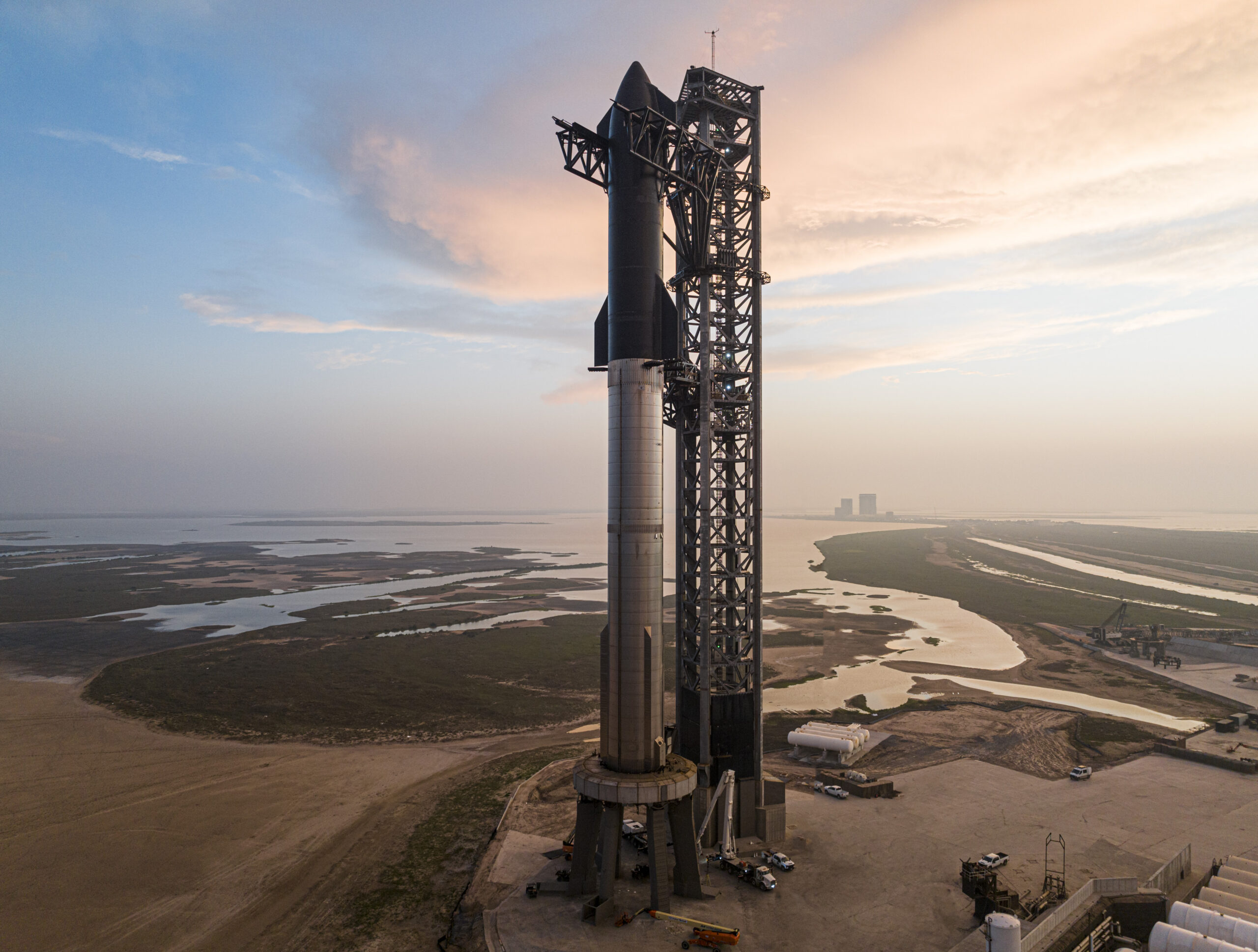
Here are several high-quality images of SpaceX's Starship on the launch pad at Starbase in Boca Chica, Texas.在 xAI SDK 中,成功执行的 image search 会以 response.server_side_tool_usage 的形式出现在 SERVER_SIDE_TOOL_IMAGE_SEARCH。
Citation
有关如何获取和使用搜索结果 citation 的详情,请参阅 Citation 页面。