Model Capabilities
Multi-Image Editing
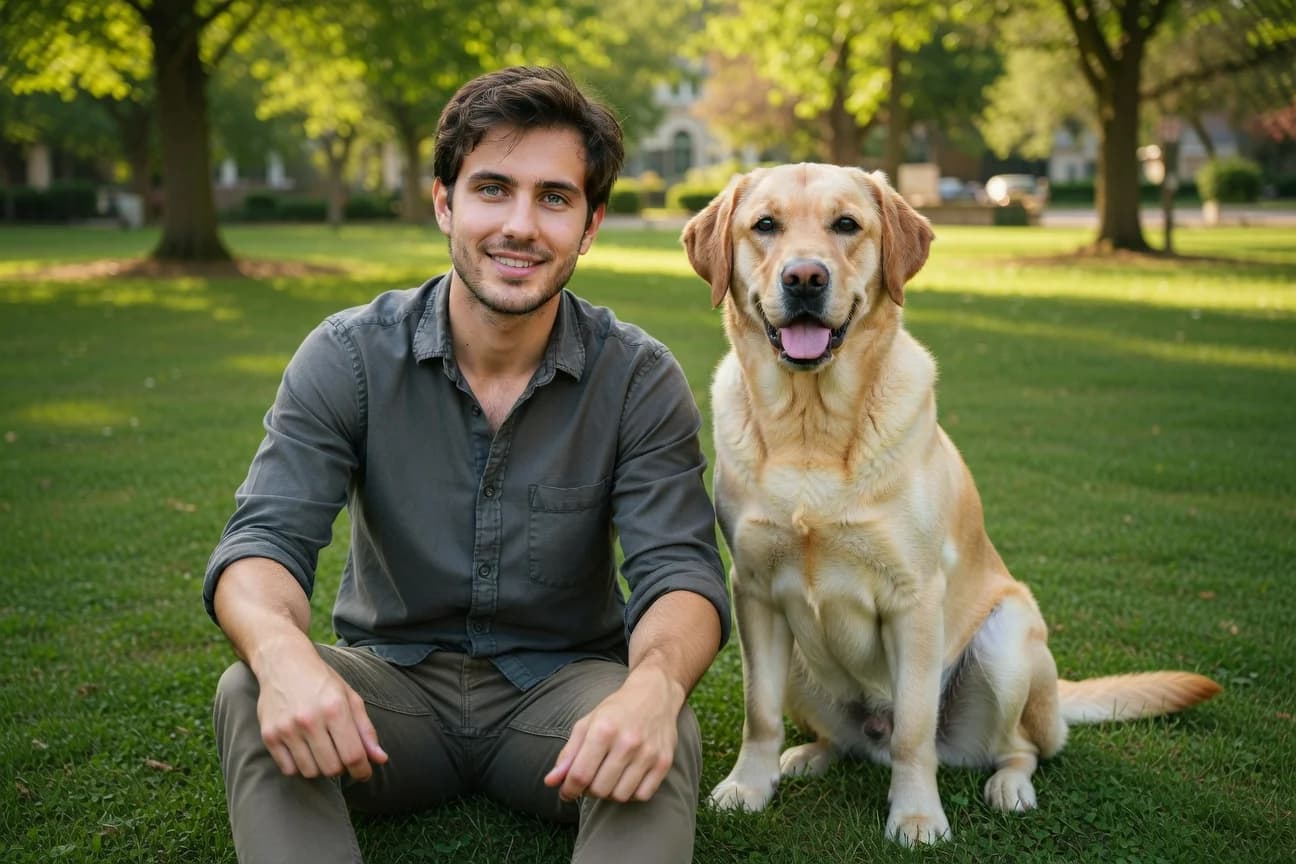
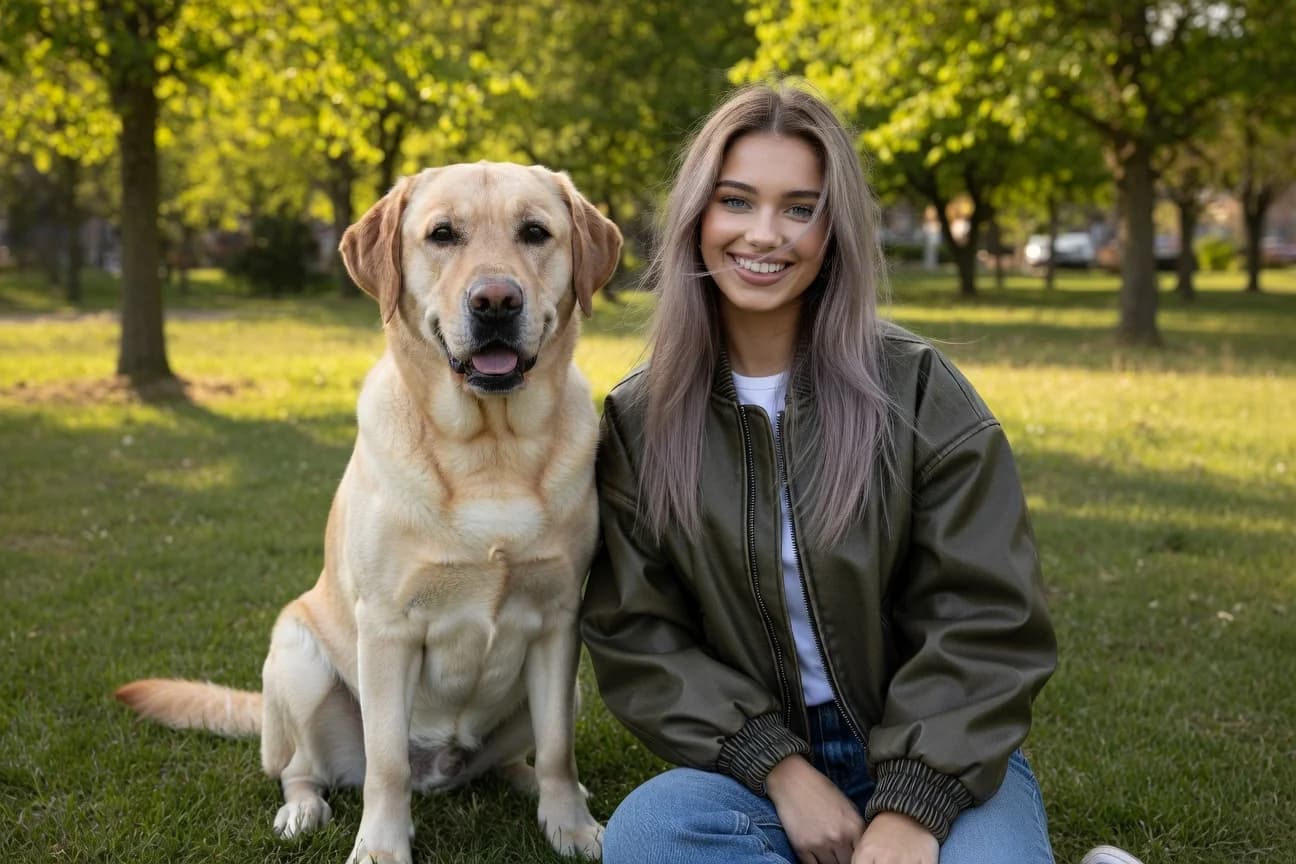
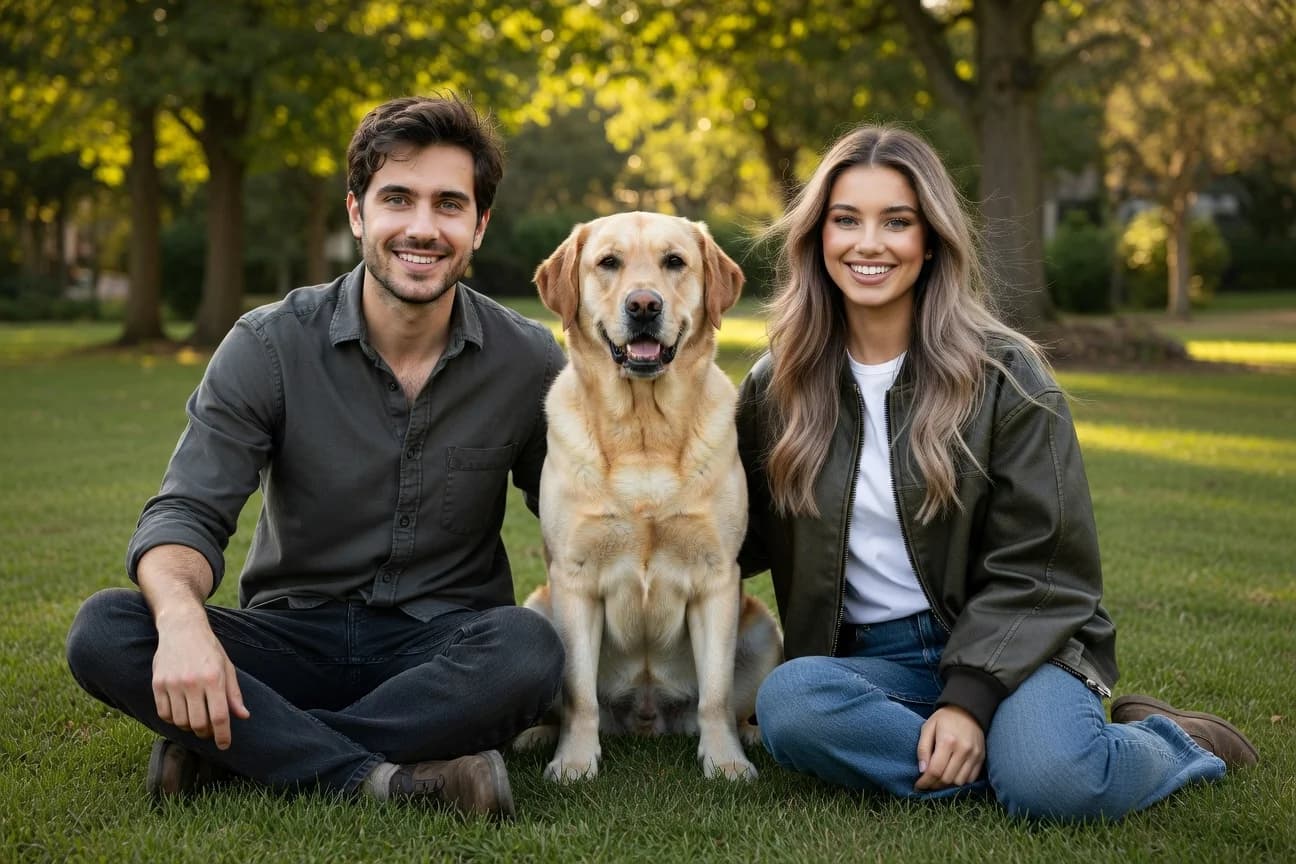
Use up to five source images for a single image edit. You can specify images in the order they are sent in the request. By default, the output aspect ratio follows the first input image. You can override this by setting the aspect_ratio parameter to a specific ratio, such as "1:1" or "16:9".
Each source image can be a public URL, a base64-encoded data URI, or a file_id from the Files API — and you can mix kinds within a single request. See Imagine → Files API Integration for file_id details and examples.

import xai_sdk

client = xai_sdk.Client()

response = client.image.sample(
    prompt="Show all subjects sitting together on the grass in a sunny park. Casual relaxed mood, natural daylight, warm tones. No additional people or animals.",
    model="grok-imagine-image-2.0",
    image_urls=[
        "https://docs.x.ai/assets/api-examples/images/image-merge/woman.jpg",
        "https://docs.x.ai/assets/api-examples/images/image-merge/man.jpg",
        # "<image_url>",
    ],
    aspect_ratio="3:2",
)

print(response.url)Related
Image Generation — Generate images from text prompts
Image Editing — Edit a source image with natural language
API Reference — Full endpoint documentation
Imagine API Landing Page — Showcase of the Imagine API in action
Last updated:August 28, 2026