Model Capabilities
Image-to-Video
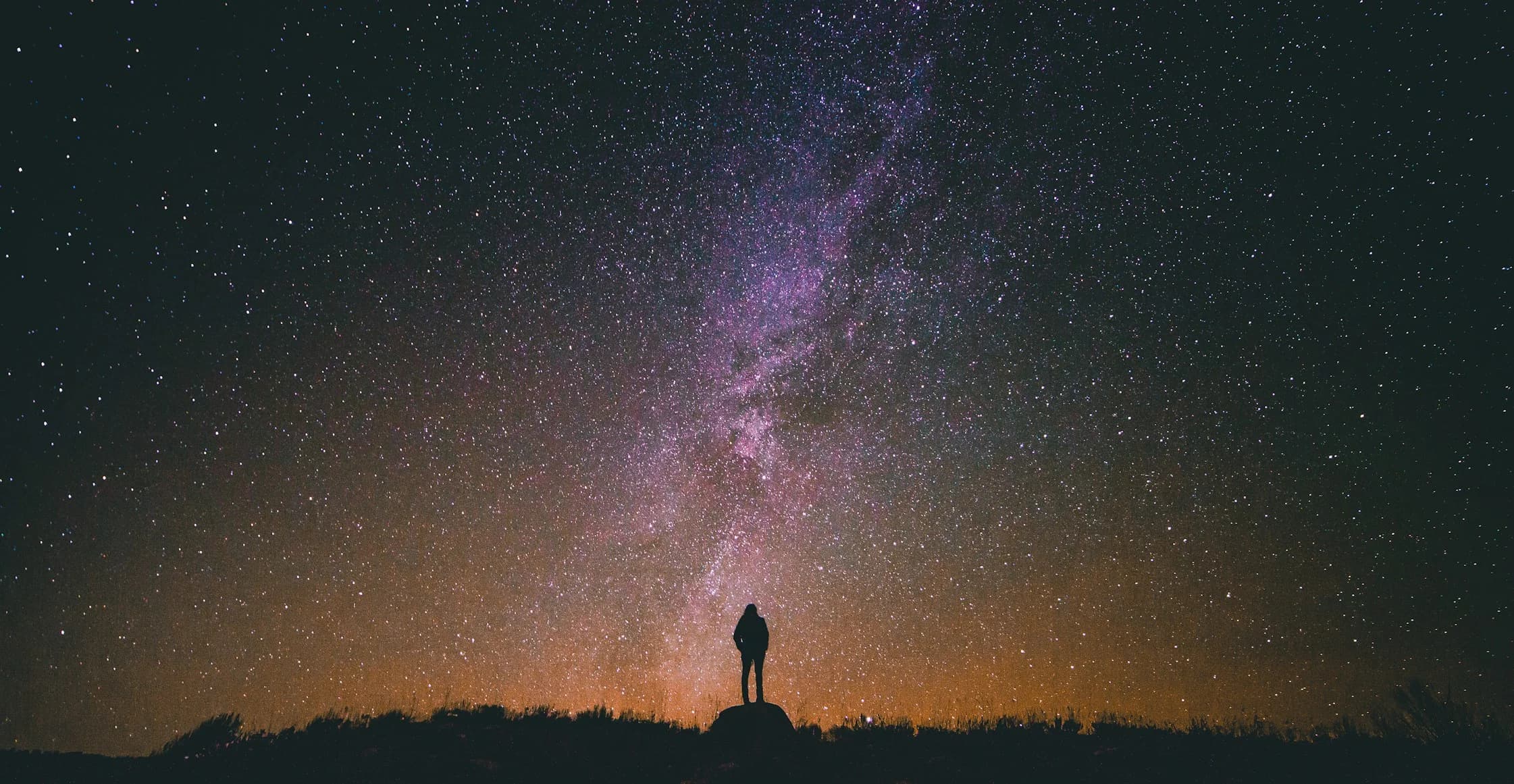
Transform a still image into a video by providing a source image along with an optional prompt. The model animates the image content based on your instructions. On grok-imagine-video-1.5, image-to-video supports native 1080p. Sending image alone is image-to-video. Combining it with last_frame, keyframes, or reference_images is reference-to-video with that image as the pinned first frame. See First & Last frame and Keyframes.
You can provide the source image as:
A public URL pointing to an image
A base64-encoded data URI (e.g.,
data:image/jpeg;base64,...)A
file_idfrom the Files API — see Imagine → Files API Integration
The demo below shows this in action; hold to animate a still image:
import os
import xai_sdk

client = xai_sdk.Client(api_key=os.getenv("XAI_API_KEY"))

response = client.video.generate(
    prompt="Generate a slow and serene time-lapse",
    model="grok-imagine-video-1.5",
    image_url="https://docs.x.ai/assets/api-examples/video/milkyway-still.png",
    duration=12,
)

print(response.url)In the Vercel AI SDK, the prompt parameter accepts an object with image and text fields for image-to-video generation. The image field can be a URL string, base64-encoded string, Uint8Array, ArrayBuffer, or Buffer.
Related
Video Generation — Generate videos from text prompts
Reference-to-Video — Guide a video with reference images, or pin the first & last frame
Videos API — Video generation endpoints
Video Editing — Edit existing videos
API Reference — Full endpoint documentation
Imagine API Landing Page — Showcase of the Imagine API in action
Last updated:September 21, 2026