模型能力
多图编辑
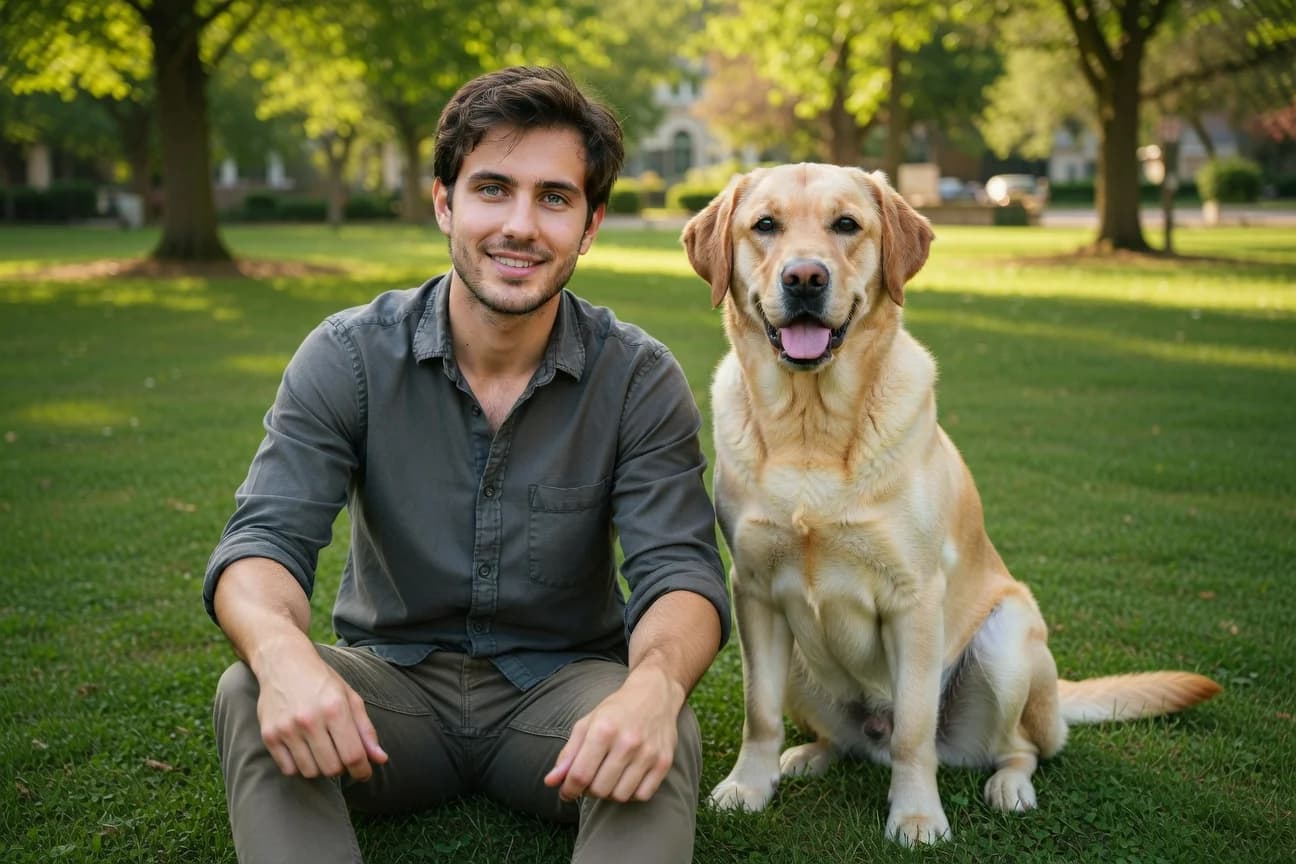
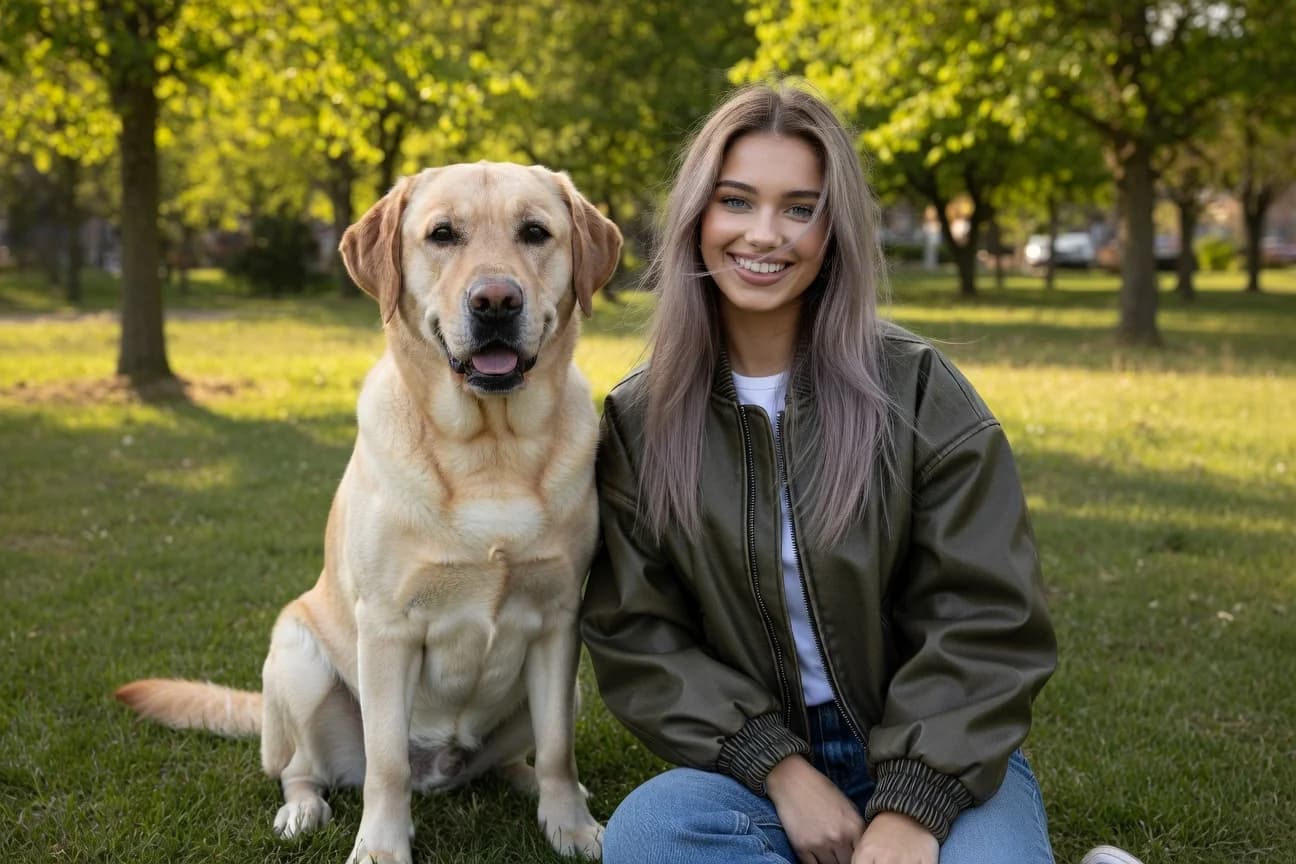
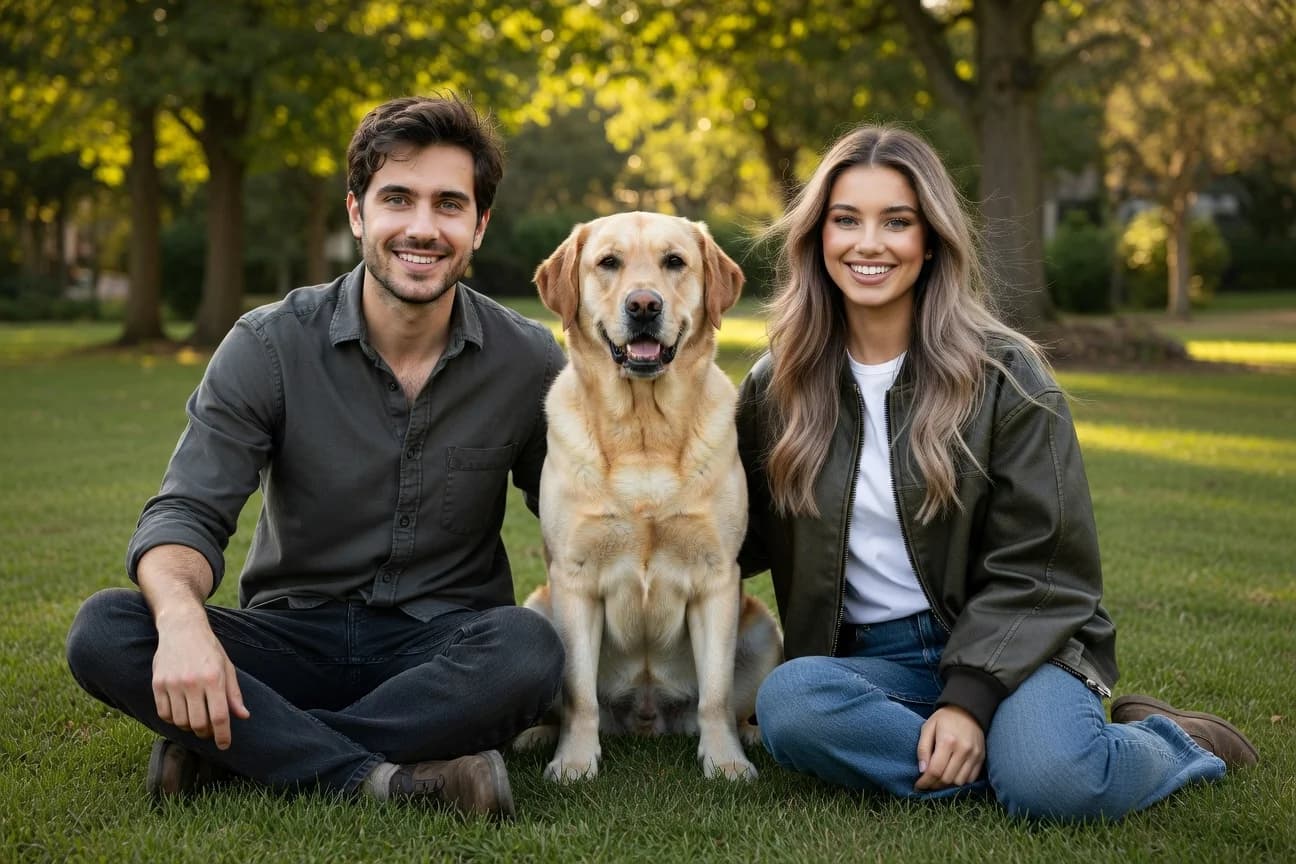
单次图像编辑最多可使用五张源图像。你可以按图像在请求中的发送顺序指定它们。默认情况下,输出宽高比与第一张输入图像一致。你可以设置 aspect_ratio 参数设为特定比例来覆盖此行为,例如 "1:1"或"16:9"。
每张源图像都可以是公开 URL、Base64 编码的数据 URI,或来自 file_id 的 Files API;也可以在单个请求中混用这些类型。有关 Imagine → Files API Integration 中 file_id 的详情和示例,请参阅该文档。

import xai_sdk

client = xai_sdk.Client()

response = client.image.sample(
    prompt="Show all subjects sitting together on the grass in a sunny park. Casual relaxed mood, natural daylight, warm tones. No additional people or animals.",
    model="grok-imagine-image-2.0",
    image_urls=[
        "https://docs.x.ai/assets/api-examples/images/image-merge/woman.jpg",
        "https://docs.x.ai/assets/api-examples/images/image-merge/man.jpg",
        # "<image_url>",
    ],
    aspect_ratio="3:2",
)

print(response.url)相关内容
图像生成:根据文本 prompt 生成图像
图像编辑:使用自然语言编辑源图像
API 参考:完整的端点文档
Imagine API 主页:展示 Imagine API 的实际效果
最后更新:2026 年 8 月 28 日